Learn your system in a few short videos.
Setup, scheduling, payments, reviews, and the mobile app — most under 2 minutes each. Start with the first few, then come back for the rest whenever you need them.
New to it? Give it a couple of days and it's second nature.
- 21+ video walkthroughs
- Step-by-step instructions
- Mobile app coverage
- New guides added regularly
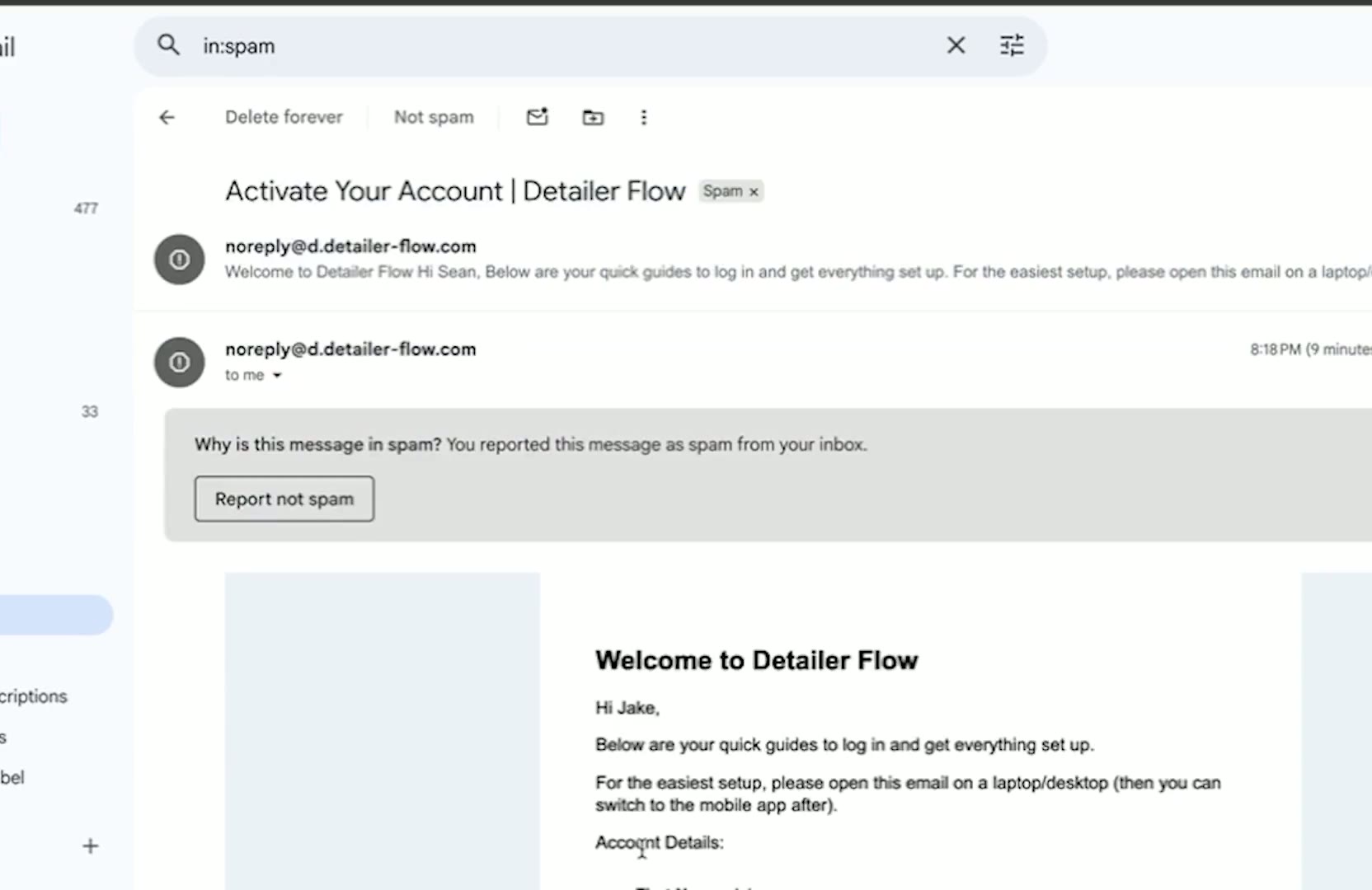
Module 1 — Connecting Payment, Reviews, Messages
We're excited to get your system live and running. Watch the short video above and follow the steps below. Each video is only about 1–2 minutes and is designed to walk you through the setup process step by step so you can get familiar with the platform.
New member? Watch these first.
Three short videos to get your account set up and ready to take bookings.
012:45Module 1 — Connecting Payment, Reviews, Messages
We're excited to get your system live and running. Watch the short video above and follow the steps below. Each video is only about 1–2 minutes and is designed to walk you through the setup process step by step so you can get familiar with the platform.
Watch guide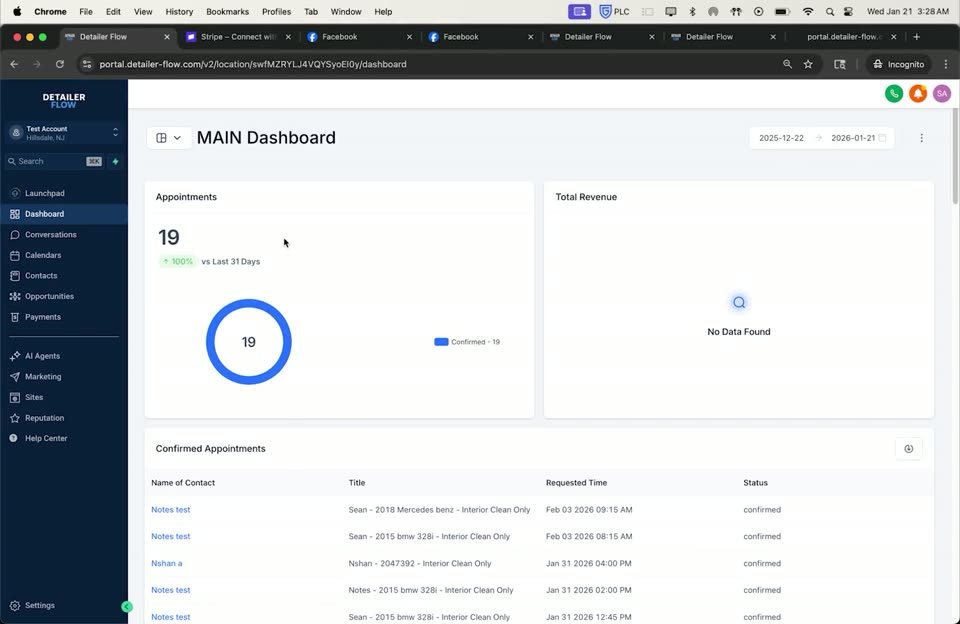 021:07
Module 2 — Dashboard & Conversations Overview
This section gives you a quick look at what's going on in your business and where everything is inside the system.
Watch guide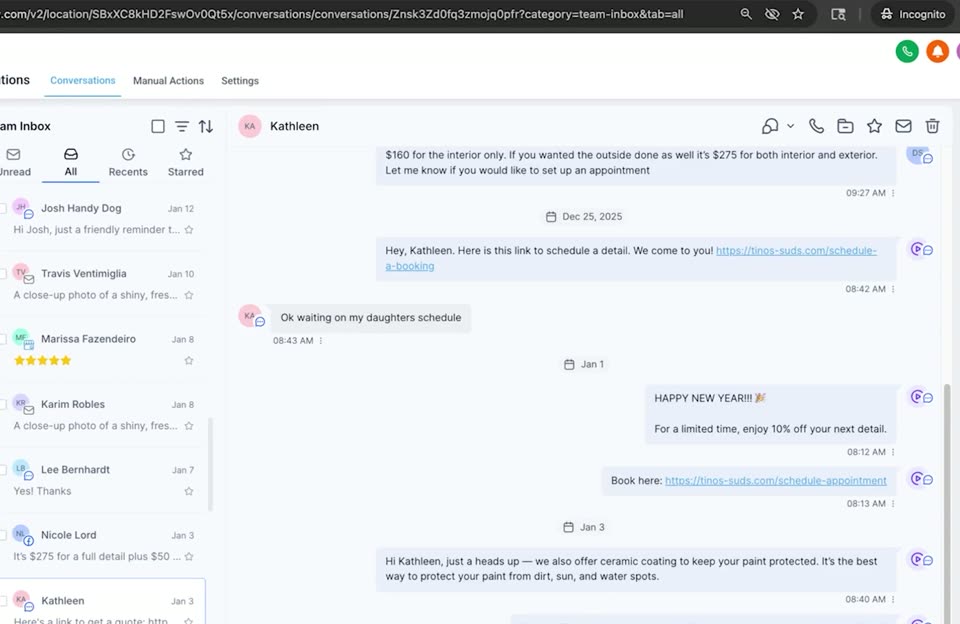 031:31
Module 3 — Scheduling & Availability
In this video, we go over how to book appointments and update your availability inside the calendar.
Watch guideExplore guides by category
Jump straight to the topic you need help with.
Run your business from your phone
Quick mobile guides so you can manage jobs, clients, and payments from anywhere.
See all mobile guides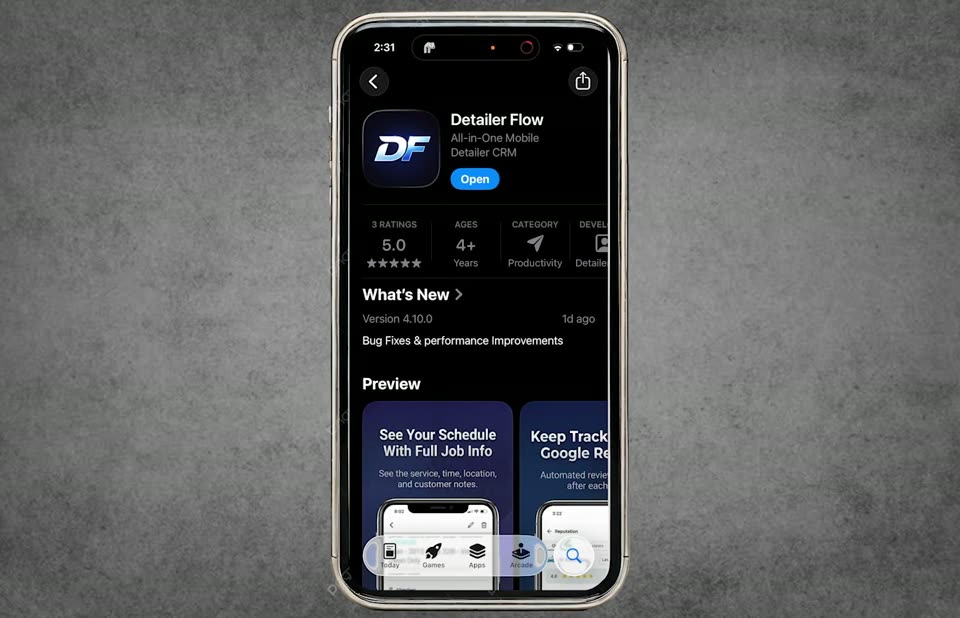 3:20
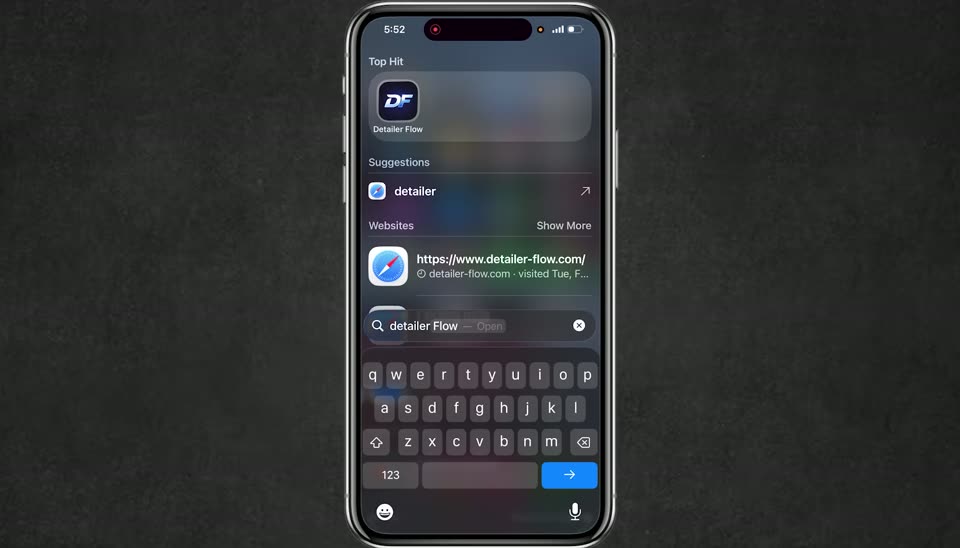
3:20Module 1 — Overview
Get the mobile app installed, log in, and walk through the five core sections you’ll use every day.
 1:45
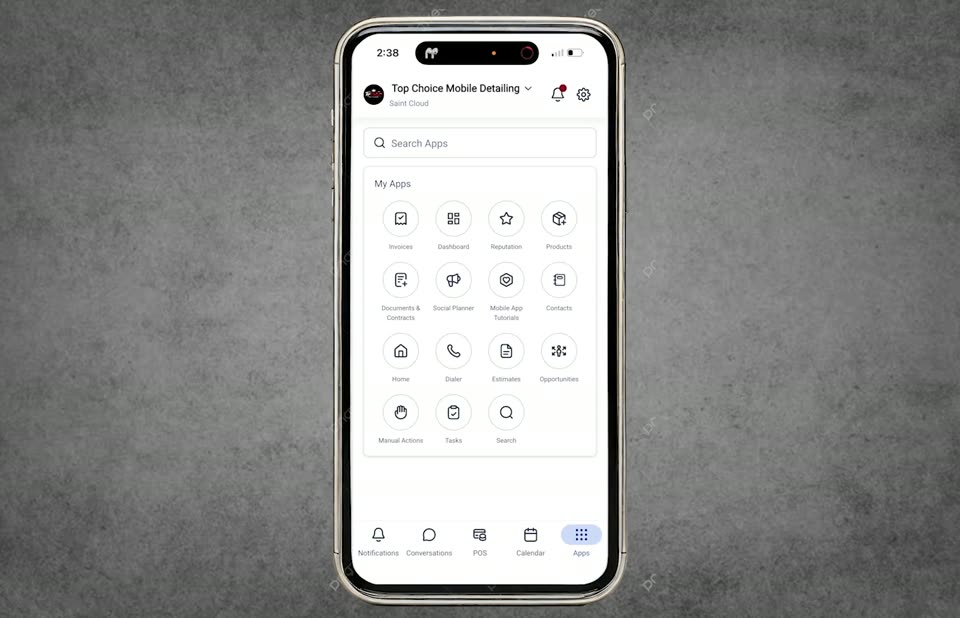
1:45Module 2 — Scheduling an Appointment Manually
Book a customer in directly from the mobile app, add the right address, and send an automatic confirmation.
 1:42
1:42Module 3 — How to Send Out an Invoice
Build an invoice on the go, attach the customer and payment method, and send it straight from your phone.
Popular getting-started guides
Watch a few back-to-back to get fully set up.
2:45Module 1 — Connecting Payment, Reviews, Messages
We're excited to get your system live and running. Watch the short video above and follow the steps below. Each video is only about 1–2 minutes and is designed to walk you through the setup process step by step so you can get familiar with the platform.
1:07Module 2 — Dashboard & Conversations Overview
This section gives you a quick look at what's going on in your business and where everything is inside the system.
1:31Module 3 — Scheduling & Availability
In this video, we go over how to book appointments and update your availability inside the calendar.
 0:53
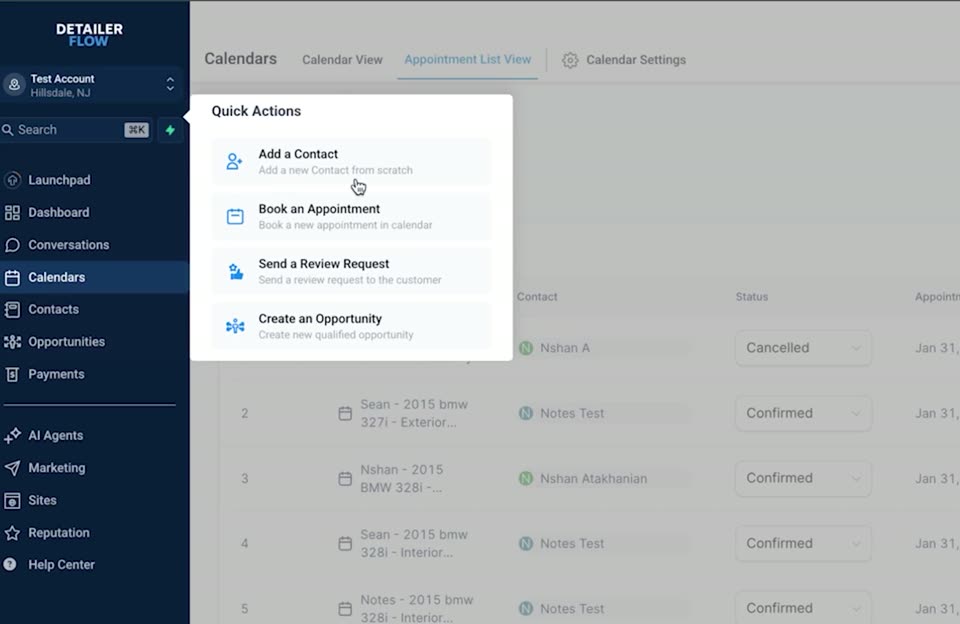
0:53Module 4 — Adding Contacts & Viewing Pipeline
Build your customer list and track every lead from first touch to closed payment.
 0:54
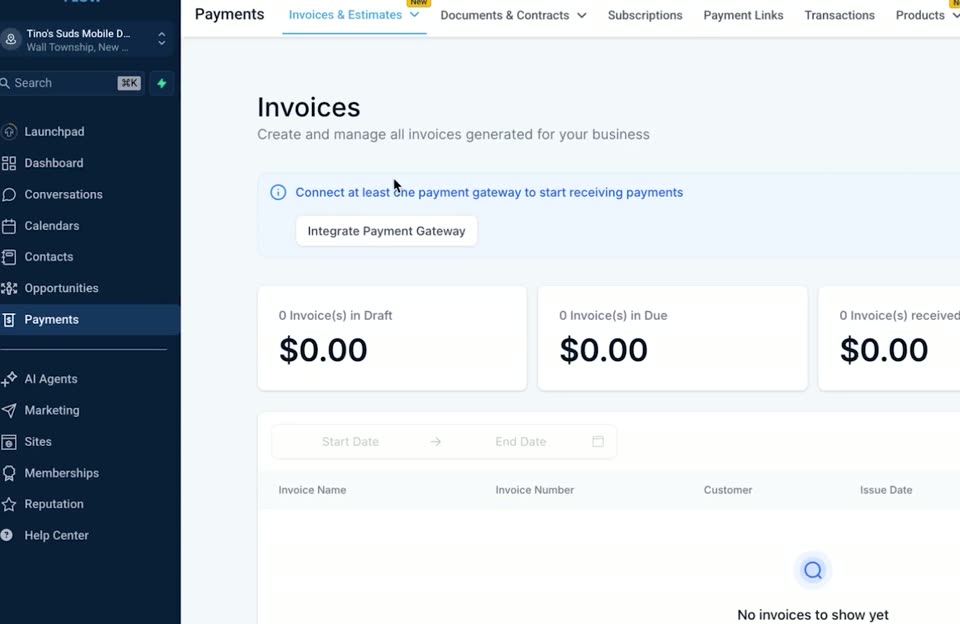
0:54Module 5 — Payments & Invoicing
Create and send invoices, save products for reuse, and make sure your payment method is connected.
 2:17
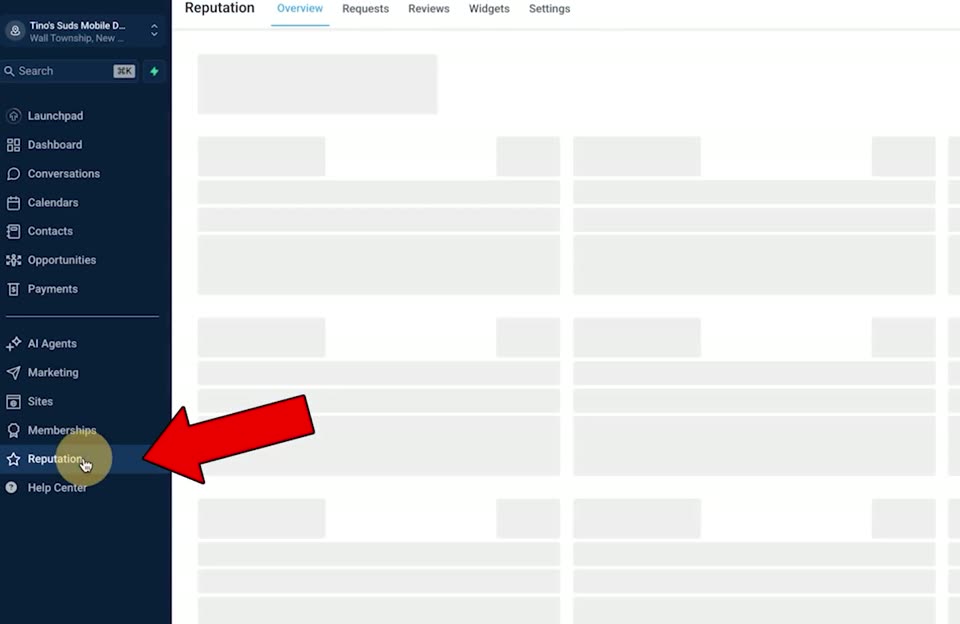
2:17Module 6 — Reviews
Manage every review in one place, send Google review requests, and keep your automations running in the background.
Ready to run your business in Detailer Flow?
Log into your portal, follow the onboarding videos, and you'll be taking bookings and payments today.