Detailer Flow video guides
All guides, in one place.
Browse setup, mobile app, automation, and extra walkthroughs. Pick any video whenever you need it.
You've watched 0 of 21 guides.
Getting Started
Learn the basics first — setup, scheduling, customers, payments, and reviews.
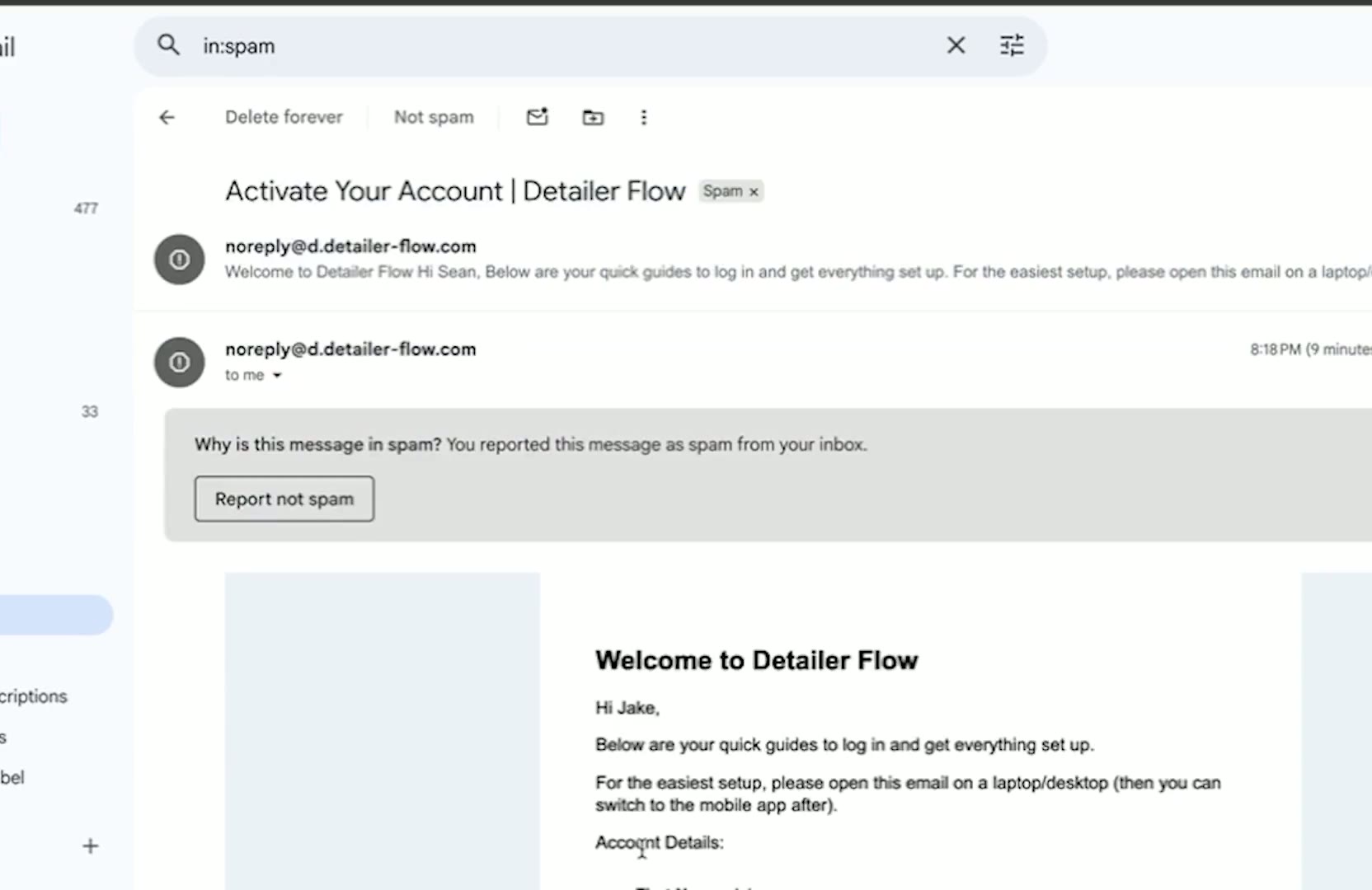 01Module 1 — Connecting Payment, Reviews, MessagesWe're excited to get your system live and running. Watch the short video above and follow the steps below. Each video is only about 1–2 minutes and is designed to walk you through the setup process step by step so you can get familiar with the platform. 2:45Watch guide
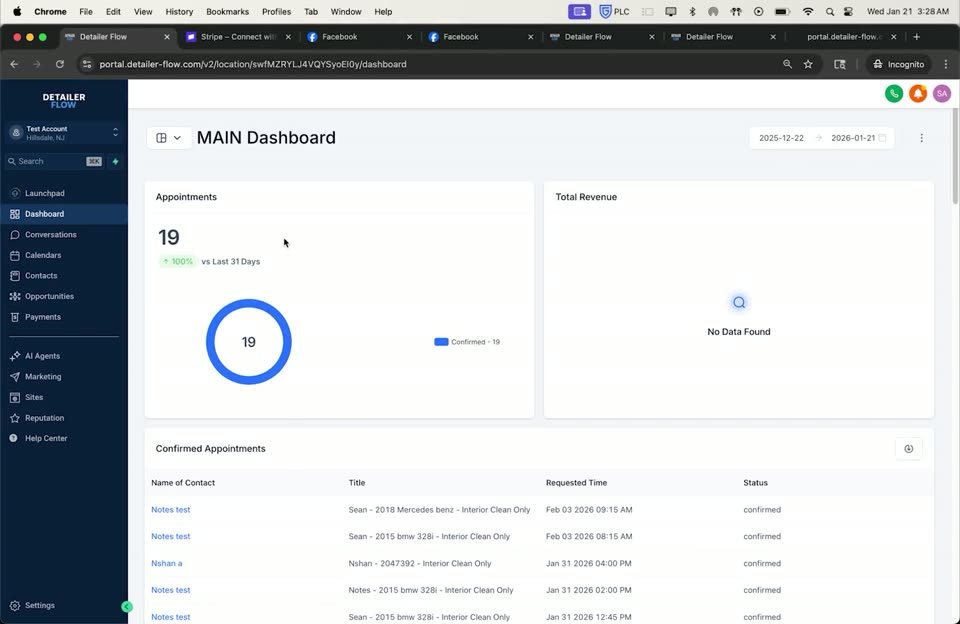 02Module 2 — Dashboard & Conversations OverviewThis section gives you a quick look at what's going on in your business and where everything is inside the system. 1:07Watch guide
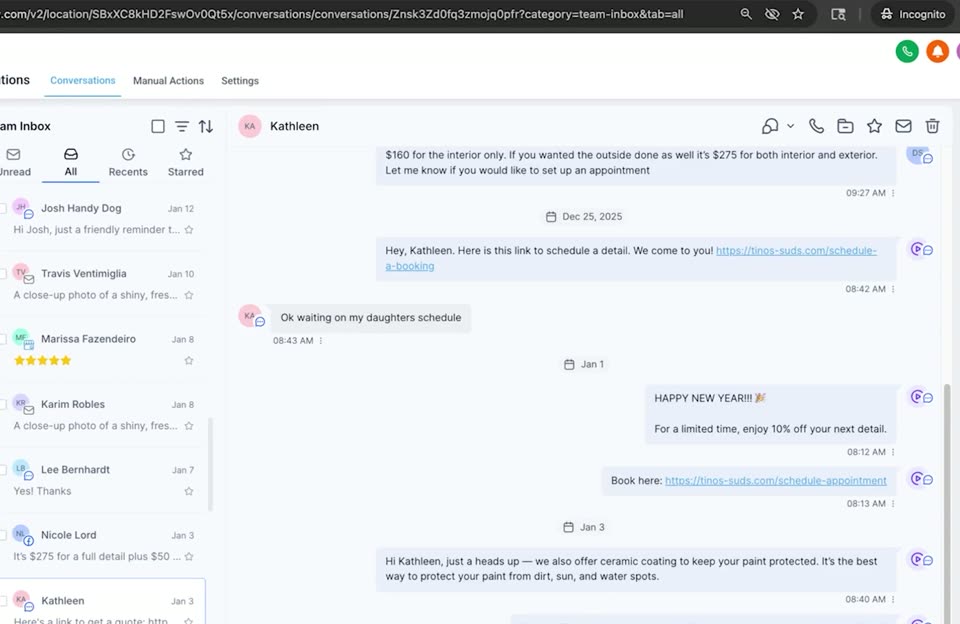 03Module 3 — Scheduling & AvailabilityIn this video, we go over how to book appointments and update your availability inside the calendar. 1:31Watch guide
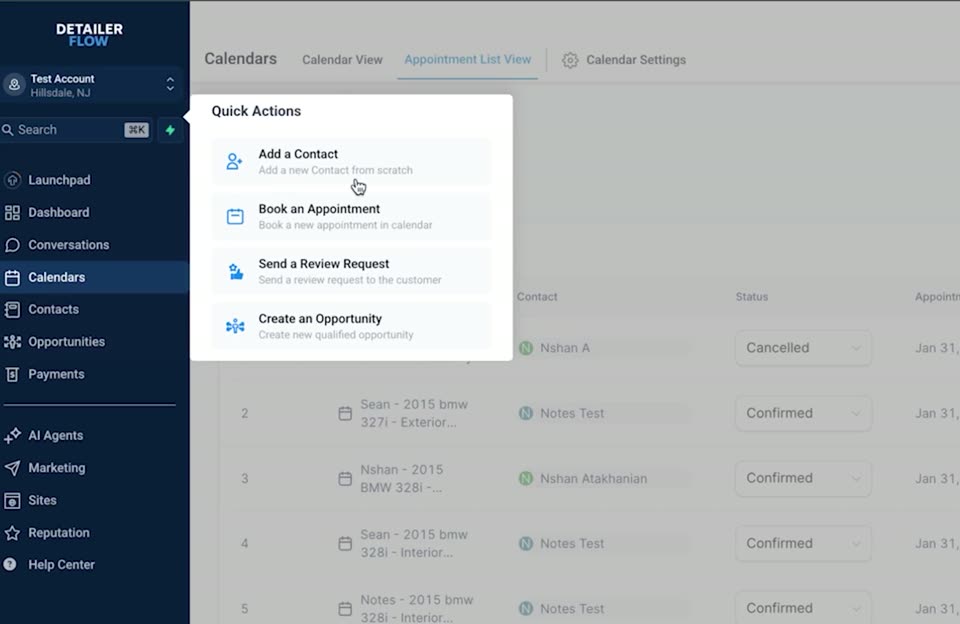 04Module 4 — Adding Contacts & Viewing PipelineBuild your customer list and track every lead from first touch to closed payment. 0:53Watch guide
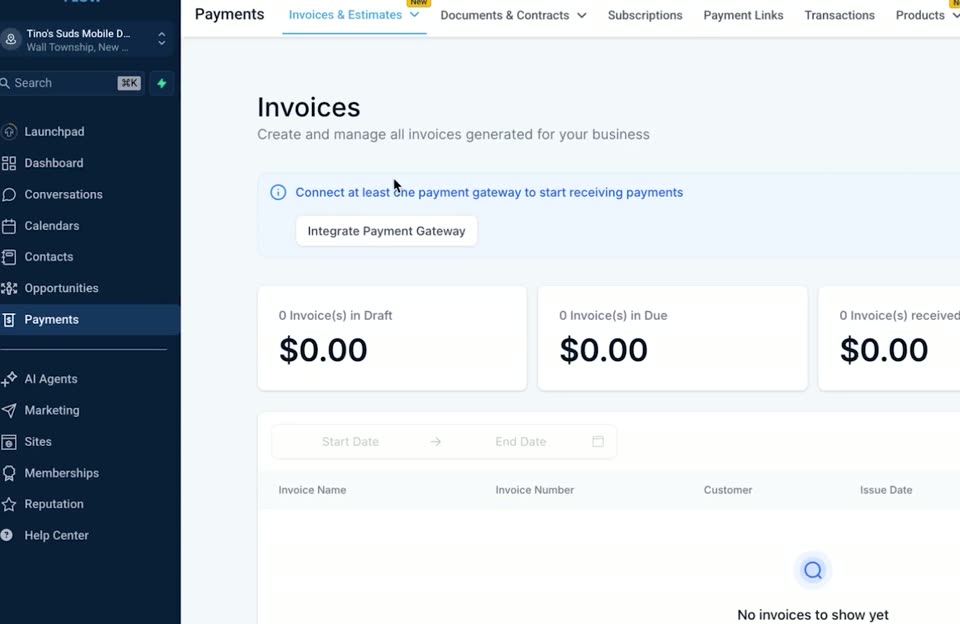 05Module 5 — Payments & InvoicingCreate and send invoices, save products for reuse, and make sure your payment method is connected. 0:54Watch guide
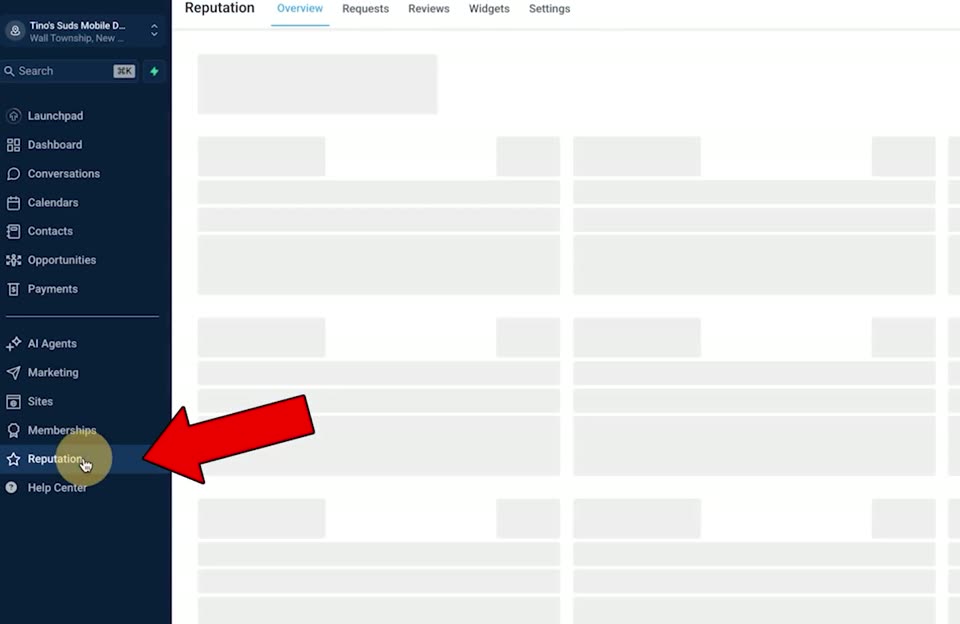 06Module 6 — ReviewsManage every review in one place, send Google review requests, and keep your automations running in the background. 2:17Watch guide
 07Module 7 — Ask AILearn how to use the Ask AI feature to get quick answers, update settings, and manage your Detailer Flow account using simple, everyday language. 2:40Watch guide
Mobile App
Handle the everyday work from your phone while you're out detailing.
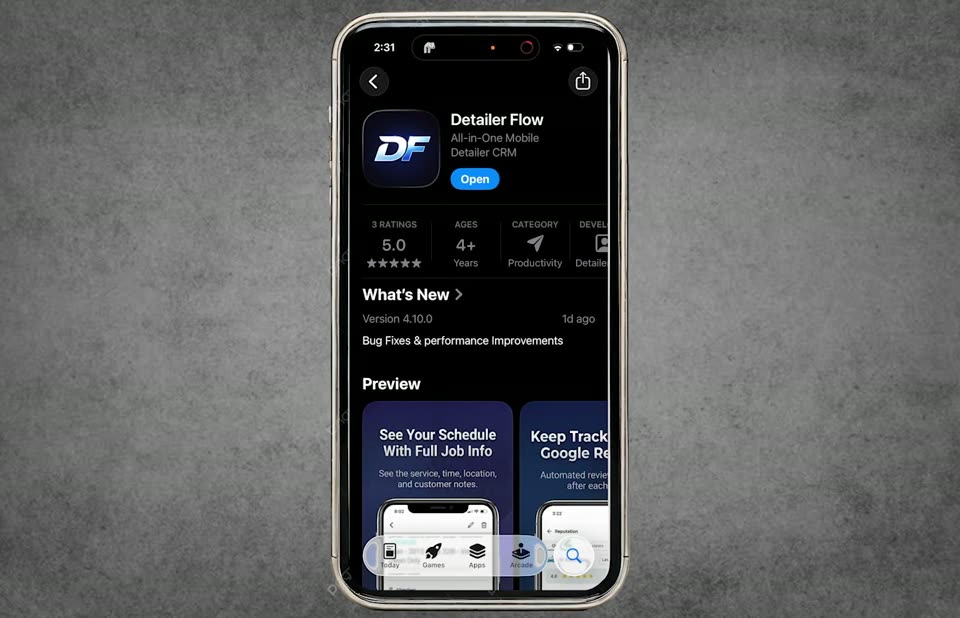 01Module 1 — OverviewGet the mobile app installed, log in, and walk through the five core sections you’ll use every day. 3:20Watch guide
 02Module 2 — Scheduling an Appointment ManuallyBook a customer in directly from the mobile app, add the right address, and send an automatic confirmation. 1:45Watch guide
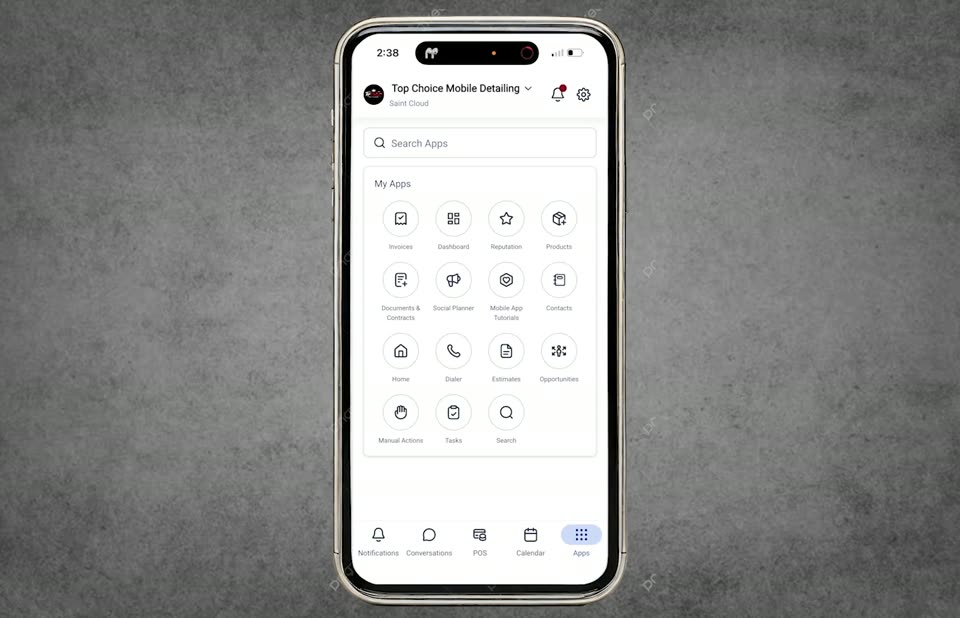 03Module 3 — How to Send Out an InvoiceBuild an invoice on the go, attach the customer and payment method, and send it straight from your phone. 1:42Watch guide
Automations
See what your system does in the background for you and your customers.
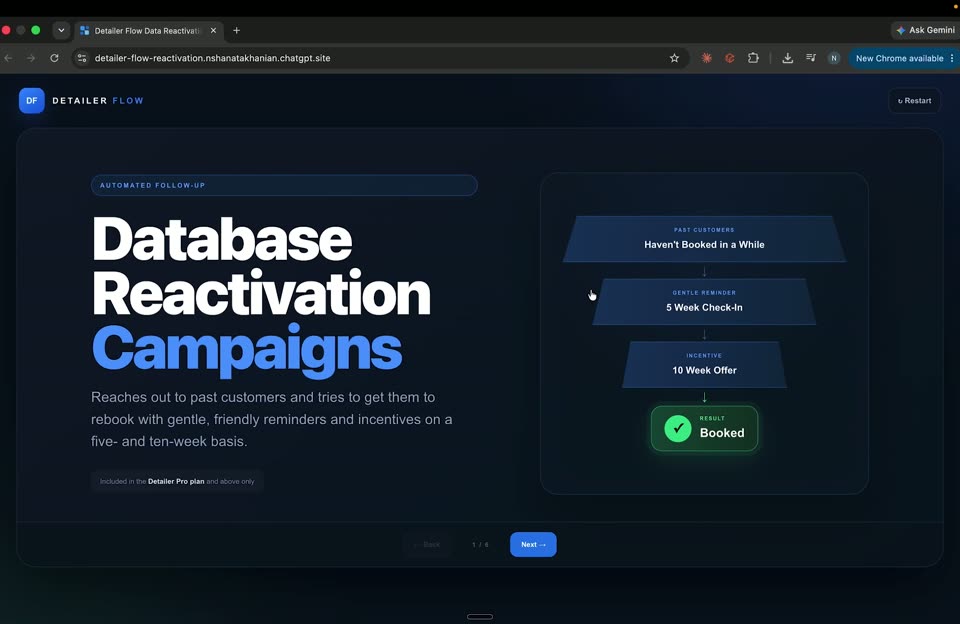 01Database Reactivation AutomationSee how our database reactivation automations work — reaching back out to your existing contacts to bring old leads and past customers back in for new bookings. Note: this automation is only available on the Detailer Flow Pro plan or above. 2:04Watch guide
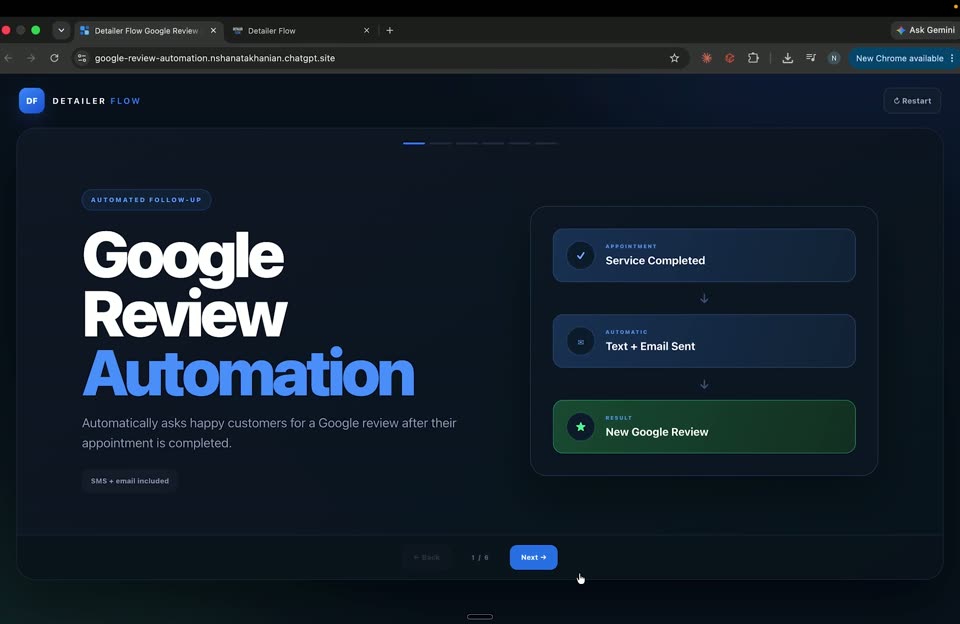 02Google Review AutomationHow the Google review automation works — automatically asking your customers for a Google review after their job is done, so your rating grows without you having to ask anyone manually. Note: this automation is only available on the Detailer Flow Pro plan or above. 1:45Watch guide
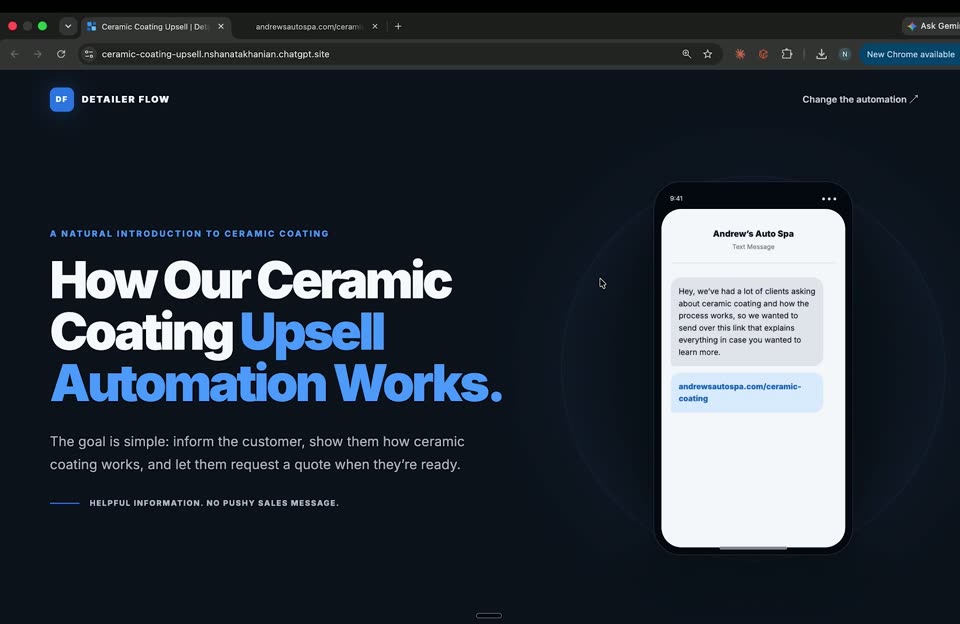 03Ceramic Coating Upsell AutomationThis automation reaches out to your contacts about a ceramic coating upsell about a week after they are added to your CRM. Note: this automation is only available on the Detailer Flow Pro plan or above. 2:23Watch guide
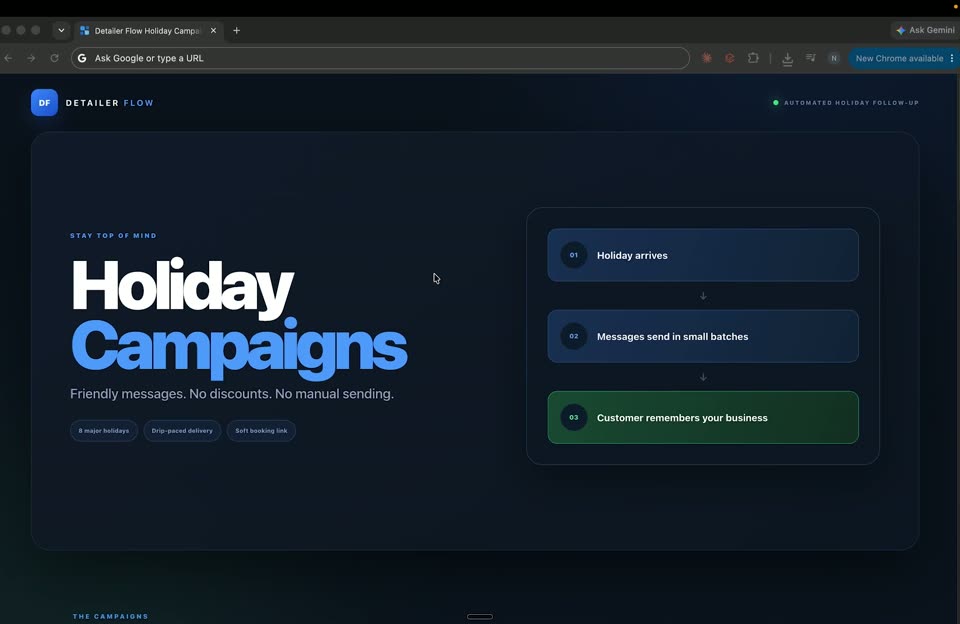 04Holiday Wishes AutomationSends a short, friendly holiday text to your existing customers around eight holidays each year. These are not promotions — no discounts, no limited-time offers — just a quick holiday hello from your business with your booking link at the end. Messages go out automatically in small batches a few days before (or just after) each holiday, and each text uses your business name and booking link, so there's nothing to set up. Customers can adjust settings through Ask AI. Note: this automation is only available on the Detailer Flow Pro plan or above. 1:22Watch guide
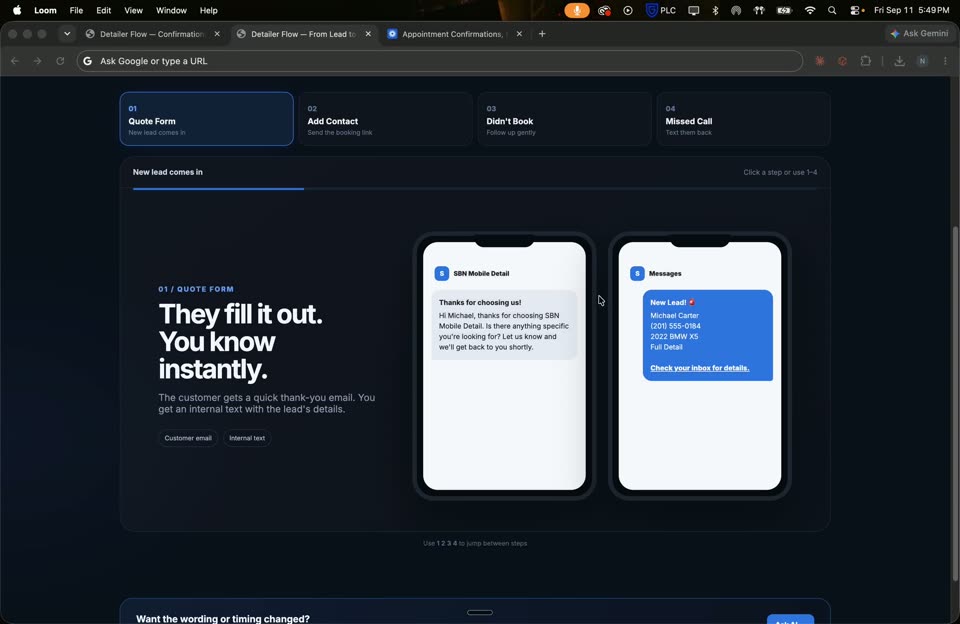 05Mobile Detail Quote Text & Email AutomationAutomatically follows up with new leads who request a mobile detail quote — sending a friendly text and email with pricing and a booking link so they can schedule right away. Note: this automation is only available on the Detailer Flow Pro plan or above. 2:31Watch guide
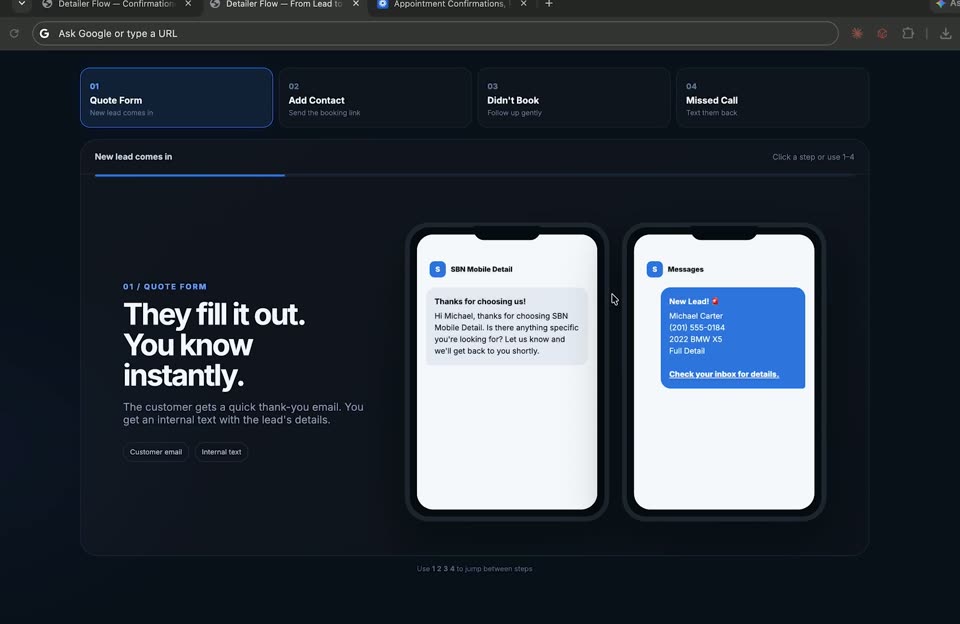 06Quote Text & Missed Call Text Back AutomationAutomatically respond to new quote requests and missed calls with a friendly text back — keeping leads engaged and pointing them to book right away, even when you can't pick up the phone. Note: this automation is only available on the Detailer Flow Pro plan or above. 1:45Watch guide
Extra Guides
Quick help for your booking page, website, QR code, hours, and Google Business Profile.
01How to Edit Your Service / Booking PageUpdate services, pricing, and the booking flow customers see. Video guideWatch guide02How to Edit Your WebsiteMake changes to your website pages, sections, and content. Video guideWatch guide03Create a QR CodeGenerate a QR code customers can scan to reach your booking page. Video guideWatch guide04How to Edit Schedule Hours (Availability)Set the hours and days you're available for bookings. Video guideWatch guide05Connecting Google Business Profile — Extra HelpExtra walkthrough for connecting your Google Business Profile. Video guideWatch guide